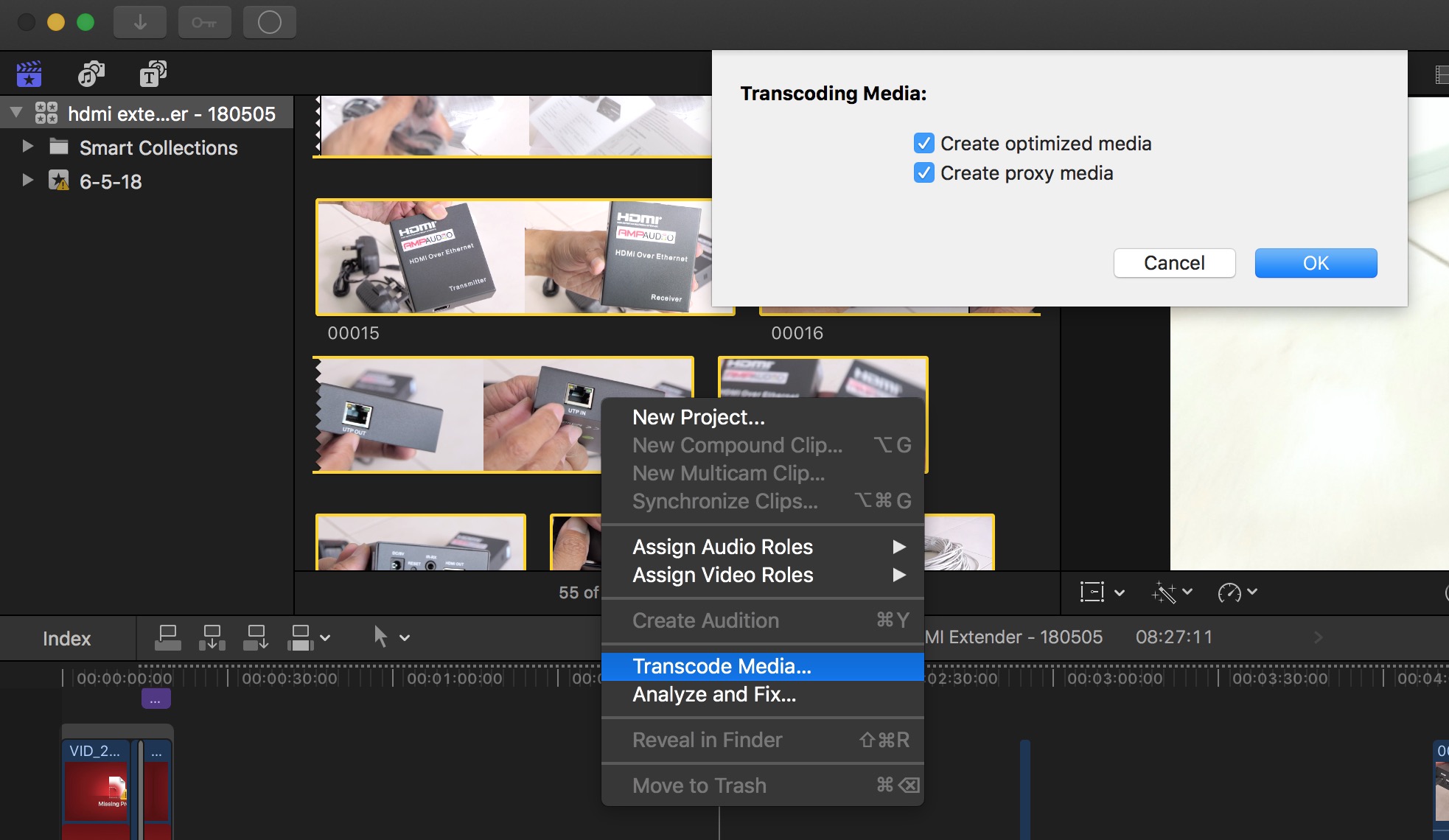
Create optimized and proxy files after import. Control-click one or more clips in the browser, then choose Transcode Media. In the window that appears, select the “Create optimized media” checkbox, the “Create proxy media” checkbox, or both, then click OK.


